
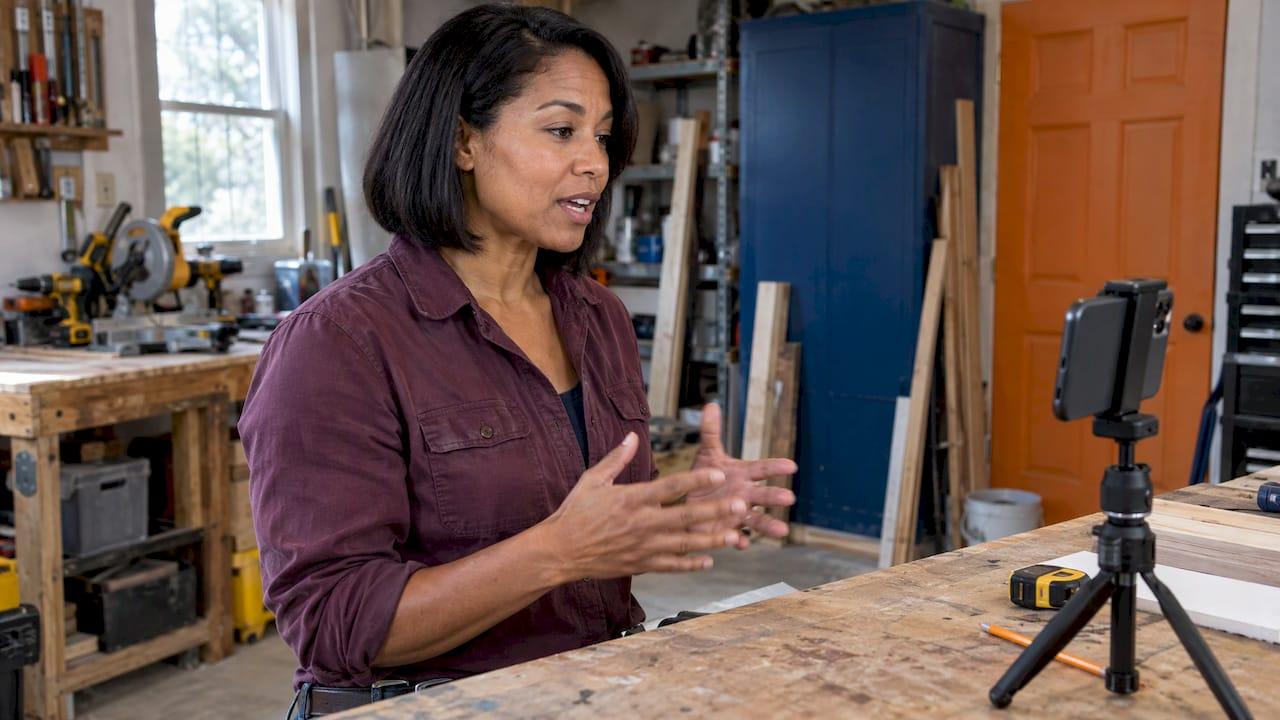
Video ads for a local business work when the right people in your service area see a short, honest clip that shows who you are and what you do, and then take one clear action: call, book or request a quote. The ad is only one part of the system. The landing page, the tracking, your Google Business Profile and your reviews decide whether a view turns into a customer. This guide covers what to film, where to run it, how to set it up, what it costs to think about and how to measure it. It also shows why we build video as part of a full local visibility plan instead of as a stand-alone expense.
TL;DR
- A local video ad is a short clip, usually under a minute, shown to people in the area you serve. Its job is to build enough trust that a stranger calls you.
- Start with three videos: an owner introduction, a proof clip of a finished job and a seasonal offer. Put the service and town in the first three seconds and end on one action.
- YouTube ads run through Google Ads, which lets you track views, clicks and actions. Your daily budget and ad format drive what you spend.
- Judge every video by calls, form fills and cost per lead, not by views or likes.
- Video works hardest when your Google Business Profile, reviews and website back it up. That is how we approach it at Digital Marketing All.
Table of Contents
- What a local video ad is, and what it is for
- Where local video ads can run
- What to film first: three videos that cover most local businesses
- Production rules that cost nothing
- Setting up a YouTube campaign for a local business
- What local video advertising costs
- How to tell whether your video ads are working
- Video is stronger when local search and reviews back it up
- Common mistakes with local video ads
- How we help local businesses with video and visibility
- Our perspective
- FAQ
- Sources
What a local video ad is, and what it is for
A national brand uses video to build awareness across a country. A local business has a narrower problem: someone nearby needs a plumber, a dentist, a landscaper or an attorney, and they are deciding who to trust with a stranger-sized risk. A local video ad answers the question "who will show up at my door?" before the phone rings.
In practice that means a paid placement, shown only to people inside your service area, built around something true and specific:
- the owner explaining what happens when a customer calls
- a technician walking through a finished installation
- a before-and-after of a real job
- a seasonal offer with a clear deadline or limit
The goal is not entertainment. A steady clip with clear audio, a visible truck or uniform and one spoken offer will usually do more for a local service business than a polished montage that never says what you do or where you do it.
This matters because most local buyers compare two or three businesses quickly. When a video lets them see your face, hear your voice and watch the quality of your work, you have already moved ahead of the competitor who only shows a logo and a phone number.
Where local video ads can run
You have several places to put a video in front of nearby customers. Each suits a different kind of intent.
YouTube and Google video campaigns
YouTube video ads are bought through Google Ads. Google's own beginner's guide to video advertising on YouTube explains that you can see how many people viewed your ads, how many clicked and how many took the actions you wanted, such as visiting your website or making a purchase. It also describes setting a maximum cost-per-click. That reporting is why YouTube suits local businesses that want numbers instead of impressions.
Because the campaign lives inside Google Ads, you can narrow it to the geography you actually serve. A roofing company covering three counties has no use for viewers two states away.
Social feeds
Facebook and Instagram video ads reach people while they scroll. They work well for offers, events, seasonal services and anything that benefits from a quick visual. Vertical video is the natural format here. Our Facebook Advertising service is one of the ways we put local offers in front of nearby customers.
Neighborhood and local-media platforms
Some platforms are built around neighborhoods, and local broadcasters sell video placements too. They can be useful when your customers are homeowners in a tight radius. The same rules apply: one clear offer, the town named early and a way to measure responses.
Your own channels
The same clips can live on your website, your Google Business Profile and your social pages. Paid reach brings strangers in. Your own channels convert them once they look you up. We cover that connection later, because it is where most local campaigns quietly lose leads.
What to film first: three videos that cover most local businesses
You do not need a content calendar to start. You need three clips that each do a different job.
1. The owner introduction (20 to 30 seconds)
You, on camera, in your work setting. Say your name, what you do, the town or area you serve and what a customer can expect when they call. Keep it plain. The purpose is to make a stranger comfortable with you.
A workable script structure:
- Your name and business, with the service and town ("I'm Maria, and we repair heat pumps across Tucson").
- One sentence on how you work ("We answer the phone ourselves and give you a time window the same day").
- One action ("Call the number on the screen").
2. The proof clip
Show a finished job: a new bathroom, a cleaned fleet vehicle, a repaired roof, a completed install. Let the work do the talking, add a short voiceover or captions that name the service and neighborhood and finish with the action. Proof is the most persuasive thing a service business owns, and most owners never use it in ads.
3. The seasonal offer
A tune-up before winter, a spring cleanup, a back-to-school special. Refresh it every season so it stays relevant and so you can compare one season's results with the next. Keep the offer specific enough that a viewer knows what they get and what to do.
If you want more ideas once these three are running, our posts on video marketing tips for small business growth and video marketing strategies for small and mid-sized businesses go further, and why short-form video is such a strong marketing format explains the shift toward quick clips.
Production rules that cost nothing
You do not need a studio. A recent phone, decent light and a quiet spot are enough for a first round. These rules separate videos that get inquiries from videos that get ignored.
- Match the frame to the placement. Shoot vertical for social feeds and horizontal for standard online video. Filming both from the same job is easy if you plan for it.
- Say the service and the town in the first three seconds. People decide quickly whether an ad is for them. "Emergency plumbing in Dayton" tells them.
- Add captions. Many people watch with the sound off, especially on phones in public places.
- End on one action. Call, book or request a quote. Choose one. Asking for all three splits attention and weakens results.
- Make several versions. Change the opening line, the length or the offer, and let the platform's reporting show which version earns inquiries.
- Show real people and real places. A recognizable truck, uniform or storefront tells a viewer you are local and accountable.
- Keep audio clean. A cheap lavalier microphone does more than a better camera. Muffled speech loses viewers faster than a slightly shaky shot.
These are working rules of thumb drawn from how local campaigns are typically built, not guarantees. The point of making several versions is that your own account data, not anyone's opinion, tells you which one to scale.
Setting up a YouTube campaign for a local business
The mechanics change as Google updates its interface, so treat this as the logic of the setup. Check the in-product prompts for exact labels.
- Choose the goal. For a local business that is almost always leads or website traffic, not brand awareness. Your goal shapes which formats and bidding options Google offers.
- Pick the ad format. Format influences cost, and Search Engine Land's YouTube advertising guide notes that your expense depends on your allocated daily budget and on factors such as format. Shorter formats that get your message across quickly tend to suit a 15 to 30 second owner or offer clip.
- Set the location. Restrict the campaign to the cities, zip codes or radius you can actually serve. Wasted impressions outside your area cost money and teach you nothing.
- Define the audience. Start broad inside your area, then narrow if the data supports it. Over-narrow targeting on a small local population can starve a campaign.
- Set a daily budget and bidding approach. Google's guide describes controlling cost-per-click with a maximum. Start modestly, let the campaign gather data and adjust weekly.
- Write the call to action and choose the destination. Send people to a page built for the offer, not your generic home page. A matching headline and a visible phone number make the click worthwhile.
- Turn on conversion tracking. If Google cannot see calls and form submissions, it cannot optimize toward them, and you cannot judge the campaign.
This is the stage where many owners stall. Campaign structure, location settings, tracking and creative testing all interact, and a mistake in one quietly drains the budget. We manage Google Advertising for local businesses so the setup, tracking and weekly adjustments are not left to guesswork.
What local video advertising costs
There is no single price for a video ad, because the cost is driven by choices you make. Two buckets matter.
Media spend. This is what you pay the platform. On YouTube it depends on your daily budget and your ad format, as the Search Engine Land guide above notes. You control it: you set the daily number, and you can pause or lower it at any time.
Production and management. Production can be a phone and an afternoon, or a professionally filmed shoot. Management is the time spent on setup, testing, reporting and optimization.
A useful way to plan: decide first what a new customer is worth to you. If an average job brings in several hundred dollars of profit, you can work backward to what you can afford to pay for a lead. That turns video from "an expense" into a number you can test. We look at everything from an ROI perspective for exactly this reason, and our post on stopping wasteful ad spend with 2026 local lead generation rules walks through the same thinking.
On our side, our published monthly pricing starts with Local Domination at $450 per month and Be Found Everywhere at $1,595 per month, and our Pay Per Result SEO ranges from $650 to $2,500 per month. Those are our local visibility programs; video ad management is part of our broader service list, which you can review before talking with us.

How to tell whether your video ads are working
Views and likes are pleasant. They are not the scoreboard. The questions that matter are how many calls and form submissions each video produced and what each one cost.
A simple routine keeps you honest:
- Give each campaign its own landing page or tracked phone number. Then you know which video sent the call.
- Record the lead source in your forms and call notes. Ask every caller how they found you and write it down.
- Compare leads to spend. Divide what you spent by the leads you received, per video and per campaign.
- Review weekly. Pause videos that produce nothing and put their budget behind the ones that do.
Google's guide notes that you can see who viewed, clicked and took action, which gives you the platform-side view. Your own phone log and CRM give you the business-side view, and the two together tell you whether a lead became revenue. Our guide to tracking local marketing results that matter shows how to set that up in plain steps.
One caution on interpretation: give each video enough time and enough impressions before you judge it. A clip that has been live for two days in a small town has not had a fair test.
Video is stronger when local search and reviews back it up
A video ad starts a conversation, but the customer often keeps going. They search your business name, look at your Google Business Profile, read reviews and glance at your website. If any of those are thin, the lead drifts to a competitor who looks more established.
That is why we do not treat video as an island. A strong local presence usually includes:
- a complete, active Google Business Profile, which is the foundation for map results (see our post on improving Google Business Profile rankings)
- steady reviews, which our Review Generation & Reputation service supports
- a website designed to convert visitors, not just display information
- consistent listings, including business and voice search listings
- visibility in AI recommendations, which is where more customers now ask who to call
When the video, the profile, the reviews and the site tell the same story, the ad's click becomes a call far more often. This is also how people increasingly discover local businesses through AI assistants and search suggestions: the more consistent and credible your presence, the more places you can be found. Our Be Found Everywhere and Get Found In AI offers are built around that idea.
If you are weighing video ads against other paid options, our guides on how Google Local Service Ads work and setting up local business ads that get results compare how pay-per-lead and pay-per-click work, so you can decide where each dollar belongs.
Common mistakes with local video ads
Making a brand film. Owners often hire a crew for a cinematic piece that never states the service, the town or what to do next. A clear, human clip beats it.
Running ads with no tracking. If you cannot say which video produced which call, you are guessing. Set tracking up before you spend.
Sending traffic to a generic home page. A viewer who clicks after an offer video wants that offer. Match the page to the ad.
Asking for too much. One call to action. If you ask viewers to call, book online and follow your page, many will do none.
Never refreshing creative. Seasonal offers, new proof clips and new openings keep results from fading. Plan a refresh every season.
Judging on views. A video with fewer views and more calls is the better video.
How we help local businesses with video and visibility
If you would rather not manage cameras, campaigns and reporting yourself, our team can take that on. We offer video marketing, Google and Facebook advertising, retargeting, review generation, Google Business Profile optimization and website design for small businesses, so the video, the ad, the landing page and the local presence are planned together. Retargeting means showing follow-up ads to people who already visited your site, which keeps your business in front of them while they decide.
For businesses that want a structured local program, Local Domination is listed at $450 per month, and Be Found Everywhere at $1,595 per month. You can see everything we offer on our services page, or start at Digital Marketing All and tell us your service area and goals.
Our perspective
Local businesses rarely lose customers because their video was not creative enough. They lose them because the clip, the ad, the page and the profile do not line up, and nobody measures what happens after the click.
We look at every campaign from an ROI perspective. That means a video ad is judged by the leads it produces and what they cost, and the rest of your online presence is built to catch those leads: a Google Business Profile that is complete, reviews that show real customers, a website designed to convert and visibility in the AI recommendations people increasingly use.
That is why we combine advanced AI-powered strategies with the traditional tactics that have always worked for local companies, including local market domination and the map pack. A single clip can start a customer relationship. A connected system keeps producing them.
Diane O'Brien
FAQ
How long should a video ad for a local business be?
Most local ads work well between 15 and 45 seconds. An owner introduction can be 20 to 30 seconds, and a proof clip or offer can be shorter. Put the service and town in the first three seconds, because viewers decide quickly whether the ad is for them.
Are YouTube ads a good fit for a local business?
Yes, when you restrict them to your service area and track the actions they generate. YouTube ads run through Google Ads, and Google's guide explains you can see views, clicks and actions such as website visits. Pair them with a landing page built for the offer so the click turns into a call or form.
What should I show in my first local video ad?
Start with yourself. A 20 to 30 second introduction saying who you are, what you do, where you work and how customers reach you builds trust fast. Then add a clip of a finished job and a seasonal offer.
How do I know if my video ads are bringing in customers?
Use a tracked phone number or dedicated landing page for each campaign, record the lead source on every inquiry and compare leads to spend each week. Judge by calls and form submissions, not views. Our guide to tracking local marketing results lays out the routine.
How much should I spend on local video advertising?
Your spend depends on your daily budget and ad format, so start from what a new customer is worth to you and work backward to an affordable cost per lead. Begin modestly, let the data accumulate and shift budget toward the videos that produce inquiries.
Sources
- Beginner's Guide to Video Advertising on YouTube (Google)
- YouTube advertising: The ultimate guide (Search Engine Land)