
TL;DR:
- Optimizing and maintaining your Google My Business profile improves local search visibility and customer engagement.
- Consistent updates, photos, reviews, and data-driven strategies give you a competitive advantage.
- Regularly tracking insights and optimizing your profile helps sustain and boost local rankings over time.
Your competitors are showing up on Google Maps right now, and potential customers are choosing them simply because your business is invisible. An unoptimized or missing Google My Business (GMB) listing means lost calls, lost foot traffic, and lost revenue every single day. The good news is that fixing this does not require a big budget or technical expertise. This guide walks you through everything you need to create, claim, verify, and optimize your GMB profile so your business starts appearing where local customers are already searching.
Table of Contents
- What you need to get started with Google My Business
- Step-by-step Google My Business setup process
- Verification methods and how to avoid common pitfalls
- Optimizing your Google My Business profile for results
- Why most local businesses miss out—and how to get ahead
- Boost your local visibility—take the next step
- Frequently asked questions
Key Takeaways
| Point | Details |
|---|---|
| Be prepared | Gather all essential documents and information before starting your Google My Business setup. |
| Follow each step | Accuracy in every step, from NAP details to verification, guarantees a smooth and successful listing. |
| Verification matters most | Choose the right verification method and address any issues promptly to avoid delays. |
| Optimize for visibility | Regular updates, images, and reviews dramatically boost ranking and customer trust. |
| Monitor and adapt | Use Google My Business insights to continuously refine your profile and strategy for lasting results. |
What you need to get started with Google My Business
Before you log in and start clicking, it pays to have everything ready. Rushing through setup with incomplete information is one of the most common reasons business owners end up with suspended listings or verification delays. Taking five minutes to gather your materials now saves hours of frustration later.
Here is what you will need before you begin:
- A Google account you control long-term (not a shared team login)
- Your legal business name exactly as it appears on official documents
- A physical address or defined service area for your business
- A local phone number customers can reach you at
- Your primary business category (the one that best describes your core service)
- High-quality photos of your storefront, team, products, or work
- Your business hours, including holiday hours if applicable
- A short business description (750 characters max)
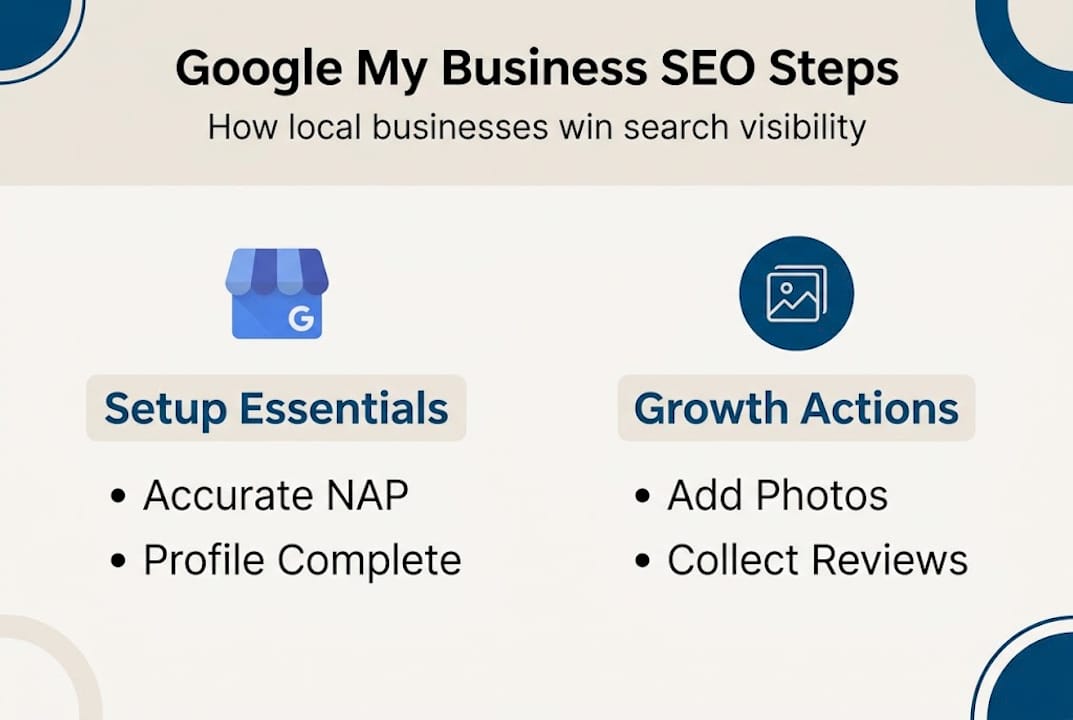
One concept worth understanding early is NAP, which stands for Name, Address, and Phone number. Consistent NAP across your GMB profile, website, and other directories is a foundational local SEO signal that Google uses to confirm your business is legitimate.
| Required item | Why it matters | Pro prep tip |
|---|---|---|
| Google account | Ties ownership to your profile | Use a business-dedicated email |
| Legal business name | Prevents suspension | Match exactly to your signage |
| Address or service area | Determines local ranking zone | Use a precise, verified address |
| Phone number | Customer contact and trust signal | Use a number you own, not a VoIP |
| Business category | Drives relevant search matches | Research competitor categories first |
| Quality photos | Increases profile engagement | Minimum 3 photos at setup |
Pro Tip: Choose an email address and phone number you will control for years. If you ever lose access to the email tied to your GMB account, reclaiming ownership becomes a lengthy process.
Step-by-step Google My Business setup process
With your materials assembled, it is time to walk through every step of claiming and optimizing your Google My Business profile. Follow these steps in order and do not skip the verification stage, as an unverified listing will not appear in search results.
- Go to business.google.com and sign in with your chosen Google account.
- Search for your business name. If it already exists, claim it. If not, select "Add your business to Google."
- Enter your NAP details accurately. Every character counts, including suite numbers and zip codes.
- Select your primary category. This is the single most important ranking factor in your profile. Choose the category that most closely matches your core service.
- Add secondary categories (up to 9 total) to capture related searches without diluting your primary focus.
- Add your website URL, hours, and a business description that naturally includes your main service and city.
- Choose your verification method and complete it before making further edits.
Category selection deserves extra attention. If you run a plumbing company, your primary category should be "Plumber," not "Home Services." You can explore optimizing your Business Profile for local search to understand how category signals interact with proximity and relevance.
| Verification method | Speed | Best for |
|---|---|---|
| Postcard | 5 to 14 days | Most business types |
| Phone or text | Instant (if eligible) | Low-risk, established businesses |
| Video | 1 to 3 days | New or home-based businesses |
| Live video call | Same day | Businesses with permanent signage |
Applying strong local SEO strategies from the start gives your profile a compounding advantage over competitors who set up their listing and never return to it.
Pro Tip: If your business does not have permanent exterior signage, video verification is often required. Film your signage, equipment, and business access point in one continuous shot before starting the process.
Verification methods and how to avoid common pitfalls
After you have entered your information, getting your listing verified is the crucial next hurdle. Google uses verification to confirm that a real business operates at the stated location. Skipping or failing verification means your profile stays hidden.
Here is what each method requires:
- Postcard: Google mails a code to your business address. Takes 5 to 14 days to arrive. Do not make edits to your address while waiting.
- Phone or text: An automated call or text delivers a code instantly. Available for low-risk, established businesses.
- Email: A code is sent to a verified business email. Less common but available in some cases.
- Video: You record a continuous video showing your storefront, signage, equipment, and access. Reviewed within 1 to 3 days.
- Live video call: A Google representative watches you verify your location in real time.
Common issues that cause verification to fail include entering the wrong address format, moving before the postcard arrives, and not having visible permanent signage for video verification.
Warning: Failure to provide permanent business signage is the most common cause of video verification failure. If your signage is temporary or missing, resolve this before starting video verification.
For service-area businesses (SABs), such as plumbers or mobile dog groomers, you can hide your home address and define a service radius instead. Each SAB profile still requires individual verification. If you share a location with another business, 2026 optimization tips cover how to handle shared-location edge cases without triggering a suspension.
If verification fails, do not panic. Check that your address exactly matches what Google Maps shows, request a new code, and ensure your video footage is clear and unedited.
Optimizing your Google My Business profile for results
Once your business is verified, the real gains come through smart, ongoing optimization. Verification gets you on the map. Optimization is what moves you to the top of it.
Here are the actions to take immediately after verification:
- Add complete business hours, including special hours for holidays.
- Write a keyword-rich description that mentions your services and location naturally.
- Upload at least 10 photos covering your team, location, products, and completed work.
- Add your products or services with descriptions and prices where applicable.
- Enable messaging so customers can contact you directly from your profile.
- Request reviews from recent customers via your profile's shareable review link.
- Create your first Google Post to announce a promotion, event, or update.
The results of doing this consistently are significant. Full optimization and reviews can drive 78 to 300% gains in ranking and traffic for small and medium-sized businesses.
Quick wins for standing out even further:
- Google Posts: Publish weekly updates, offers, or news to signal an active business.
- Q&A section: Pre-populate it with common customer questions and clear answers.
- Booking features: If you use a supported scheduling tool, link it directly to your profile.
- Attributes: Add accessibility, payment, and service attributes to match more search filters.
Use GBP Insights (found in your dashboard) to track how many people searched for you, viewed your photos, and clicked for directions each month. This data tells you exactly what is working. Combine it with guidance on ranking on Google Maps and the secret Google Maps SEO trick many owners overlook. Tracking local search ranking factors helps you prioritize where to focus each month.

Why most local businesses miss out—and how to get ahead
Here is something most guides will not tell you: the businesses dominating local search results are not always the best at their trade. They are the ones who treated their GMB profile as an ongoing asset rather than a one-time task.
We see this pattern consistently. A business owner sets up their profile, gets verified, and then never returns. No new photos. No posts. No review responses. Over time, a competitor who updates their profile weekly starts outranking them, even with fewer years in business.
The compounding effect of local visibility is real. Every review you collect, every photo you add, and every post you publish sends a fresh relevance signal to Google. These signals stack. A business that invests two hours per month in its profile builds a ranking advantage that grows over time, not a one-time boost.
Our local SEO guide shows that the businesses gaining the most from GMB are those using Insights to find patterns. If your calls spike on Thursday mornings, that tells you something about when your audience is searching. Double down on posts and updates on Wednesday nights. That kind of data-driven adjustment is what separates growing businesses from stagnant ones.
The proven local search tactics that move the needle are not complicated. They just require consistency. Most of your competitors will not bother. That is your opportunity.
Boost your local visibility—take the next step
You now have a clear path from zero to a fully optimized Google My Business profile. But getting set up is just the starting point. Staying visible in local search requires ongoing attention, smart use of data, and strategies that adapt as Google's algorithm evolves.

At Digital Marketing All, we help small and medium-sized businesses turn their GMB profiles into consistent lead-generation engines. From advanced local SEO strategies to AI-powered search visibility tools, our team provides the support and expertise to keep your business ahead of local competitors. If you are ready to move beyond setup and start seeing real results, we are here to help you build a local presence that grows month after month.
Frequently asked questions
How long does Google My Business verification take?
Most postcard verifications take 5 to 14 days, while phone or video methods can be completed instantly or within a few days if eligible.
What is the difference between a regular and a service-area business (SAB) Google listing?
A regular profile displays a physical address publicly, while a SAB listing hides the address and defines a service radius for businesses that travel to customers.
How do I improve my Google My Business ranking?
Complete every section of your profile, add photos regularly, collect reviews, post updates weekly, and use GBP Insights to track progress. Full optimization and reviews consistently produce the strongest ranking gains.
Can I use the same Google account for multiple businesses?
Yes, one Google account can manage multiple business profiles, but each profile must go through its own separate verification process before it becomes visible in search results.
Recommended
- Optin Page
- Google Business Profile Optimization Guide 2026 | Digital Marketing All
- 7 Local SEO Strategies & AI Tips to Boost Rankings | Digital Marketing All
- Step-by-Step Guide to Ranking #1 on Google Maps in 2025 | Local SEO Made Easy
- Lokale Suchmaschinenoptimierung 2026: 73% mehr Sichtbarkeit - Hyped Performance Marketing Agentur