

Setting up a Google Business Profile is often the first big step for local business owners in the United States wanting to attract more customers. A well-prepared profile not only makes your business easier to find, it also builds trust and credibility in your community. By establishing a strong online presence with accurate and consistent details, you lay the groundwork for AI-powered strategies that increase your search visibility and help you stand out from your competition.
Table of Contents
- Step 1: Prepare Your Google Business Profile
- Step 2: Optimize Listings with AI Keywords
- Step 3: Enhance Profiles with Engaging Content
- Step 4: Leverage Customer Reviews and Q&A
- Step 5: Verify Performance and Update Regularly
Quick Summary
| Key Point | Explanation |
|---|---|
| 1. Consistent Business Information is Crucial | Ensure your official business name, address, phone number, and website are accurate across all platforms to build trust and improve visibility. |
| 2. Optimize with Relevant Keywords | Use AI-powered tools to identify primary and long-tail keywords that match customer search behavior for better discoverability. |
| 3. Engage with Dynamic Content | Add posts, photos, and videos regularly to showcase your personality and keep your profile active, attracting more visitors. |
| 4. Actively Manage Customer Reviews | Request reviews and respond promptly to create social proof and enhance customer trust in your business. |
| 5. Regularly Verify and Update Profile | Monitor analytics monthly and update any changes immediately to ensure your profile remains relevant and effective. |
Step 1: Prepare Your Google Business Profile
Before you claim or create your profile, you need to gather the right information and understand what makes a strong foundation. This preparation phase determines how effectively customers can find and trust your business online.
Start by collecting your core business details. You'll need your official business name, phone number, physical address, and website URL (if you have one). Make sure your contact information matches exactly across all platforms—inconsistencies confuse both customers and search algorithms.
Next, write a clear business description in 750 characters or less. Describe what your business does and what makes you different. Don't keyword-stuff; just be honest and informative. For example, instead of "plumber, plumbing, plumber services," try "Family-owned plumbing company serving the Seattle area since 2010 with 24/7 emergency repairs."
Identify your service areas and hours of operation. Google asks for this information, and accuracy here helps customers know when they can reach you. If you serve multiple cities, list them all. If hours vary by day, prepare that breakdown now.
Accurate, consistent business information builds customer trust and improves your visibility in local search results.
Gather your business category or categories. Google provides specific options, and choosing the right ones matters for discoverability. Look at what your competitors chose, but pick what truly represents your business.
Prepare at least one high-quality business photo. This is your visual first impression. Use a professional image of your storefront, team, or main service. According to planning your business guidance, establishing a strong online presence includes visual representation that builds customer trust.
Consider your business attributes. Do you offer online ordering? In-store pickup? Wheelchair accessibility? These details help customers self-qualify and find exactly what they need.
Finally, verify you own or manage the business. You'll need a Google account and ability to verify ownership—typically through a postcard, phone call, or email. Check that you have access to the address listed and the phone number you'll use.
Here's how different Google Business Profile features impact customer engagement:
| Profile Feature | Customer Impact | Search Ranking Effect |
|---|---|---|
| Consistent contact info | Builds trust, reduces confusion | Boosts local visibility |
| High-quality photos | Creates strong first impression | Enhances profile clicks |
| Accurate service areas | Increases relevant traffic | Improves search targeting |
| Business attributes | Helps customers self-qualify | Broadens discoverability |
Here's a quick checklist before moving forward:
- Business name, address, phone, website
- Business description (750 characters)
- Accurate hours and service areas
- Business category selection
- Professional business photo
- Business attributes (delivery, parking, etc.)
- Verification access (postcard or phone)
Pro tip: Create a simple spreadsheet with all this information before claiming your profile—it's much faster to paste accurate details than to dig them up while setting up.
Step 2: Optimize Listings with AI Keywords
Now that your profile is prepared, it's time to strategically optimize it with keywords that match how your customers actually search. AI-powered keyword research reveals patterns humans might miss and helps you rank for the terms that matter most.
Start by identifying your primary keywords. These are the terms customers use when searching for your business type and location. Instead of guessing, use tools that analyze real search data. Think like your customer: if you run a bakery in Austin, don't just think "bakery"—also consider "custom birthday cakes Austin," "sourdough bread near me," or "vegan pastries downtown."

AI can help you discover long-tail keywords that face less competition but attract highly qualified leads. A dental office might target "emergency root canal specialist in Denver" instead of just "dentist." These specific phrases convert better because they match customer intent more precisely.
Integrate keywords naturally into your business description and service categories. Google's algorithm recognizes context, so avoid keyword stuffing. Write for humans first, algorithms second. For example, "We provide comprehensive dental implants, emergency tooth extractions, and cosmetic whitening services for patients throughout the greater Denver area" works far better than listing keywords randomly.
This table compares AI keyword optimization to traditional methods:
| Optimization Method | Benefit | Limitation | Ideal Use Case |
|---|---|---|---|
| AI-powered keywords | Finds hidden search patterns | Requires software access | Competitive locations |
| Manual keyword research | Uses business experience | May miss search trends | Small local markets |
| Competitor analysis | Uncovers industry-specific terms | Needs ongoing updates | Niche businesses |
Using AI to identify relevant keywords transforms your profile from generic to discoverable, directly improving local search visibility.
Consider adding location-specific details throughout your profile. If you serve multiple cities, mention them naturally. Create separate service area entries if Google allows, and use neighborhood names or landmarks customers recognize.
Monitor what keywords drive actual customer actions. Google Business analytics shows which search terms bring visitors to your profile. Track which searches lead to clicks, calls, or message inquiries. This data becomes your guide for future optimization.
Here's your keyword optimization checklist:
- Identify primary and long-tail keywords
- Research competitor keywords
- Incorporate keywords naturally into description
- Add location-specific language
- Monitor search analytics regularly
- Adjust keywords based on performance data
Pro tip: Review your Google Business analytics monthly to see which keywords bring the most customer engagement, then refine your description to emphasize those high-performing terms.
Step 3: Enhance Profiles with Engaging Content
Your profile isn't just a digital storefront—it's a conversation starter. Engaging content transforms casual browsers into loyal customers by showcasing your business personality and building trust through authentic storytelling.
Start by adding regular posts to your Google Business profile. These appear directly in search results and give potential customers real-time updates about your business. Post about new services, seasonal promotions, team highlights, or customer success stories. Consistency matters more than perfection—aim for at least two posts per month.
Use high-quality photos and videos in your posts. Visual content stops scrollers and communicates instantly. Show your team in action, display finished projects, or capture happy customers (with permission). A bakery might post photos of fresh bread coming out of the oven; a salon could film a quick styling tutorial.
Respond promptly to customer questions and messages. When someone asks about your hours, services, or availability through your profile, answer within 24 hours. This responsiveness signals that you're actively engaged and customer-focused. More importantly, meaningful interactions with your audience build trust and encourage customer loyalty through consistent communication.
Content that showcases your brand's personality and responds to customer needs transforms your profile from static information into an active, compelling presence.
Write authentic descriptions that reflect how you actually speak. Avoid corporate jargon that sounds robotic. Instead of "We provide premium automotive maintenance solutions," try "We fix cars right, the first time, so you can get back on the road." Personality wins over polish.
Encourage customer reviews and user-generated content. Ask satisfied customers to share their experiences. When people see real testimonials from real customers, they're far more likely to trust your business and take action.
Here's your content engagement checklist:
- Post updates at least twice monthly
- Include photos and videos in posts
- Respond to all messages within 24 hours
- Write in your authentic brand voice
- Request customer reviews and testimonials
- Highlight team members and behind-the-scenes moments
Pro tip: Schedule your posts in advance during slow periods, then set reminders to respond to customer messages during peak business hours when you're most available.
Step 4: Leverage Customer Reviews and Q&A
Reviews and questions are your most powerful marketing tools. They provide social proof that influences potential customers, and they give you direct insight into what your business is doing right—and where to improve.
Start by actively requesting reviews from satisfied customers. After a successful transaction or service, send a follow-up message asking them to leave a review on your Google Business profile. Make it easy by providing a direct link. Aim for reviews that are specific and authentic rather than generic praise.
Respond to every review, both positive and negative. Thank customers for positive reviews and mention specific details they highlighted. For negative reviews, respond professionally and offer to make things right. This shows potential customers that you care about satisfaction and take feedback seriously.
Customer reviews significantly influence purchasing decisions by providing social proof that builds trust with new prospects. Aim to maintain a rating between 4.0 and 4.7 stars, which research shows maximizes consumer confidence and conversion rates.
A thoughtful response to a negative review can turn a dissatisfied customer into a loyal advocate and reassure other potential customers that you stand behind your work.
Address customer questions promptly in your Q&A section. These are public conversations that help other shoppers get answers without contacting you directly. Answer factually and helpfully. If someone asks about your return policy, hours, or service area, provide a clear, complete response within 24 hours.
Use review feedback to identify patterns and improvements. If multiple customers mention slow service, that's actionable data. If they praise your friendliness, highlight that in your marketing. Responding promptly and professionally to customer feedback fosters loyalty and gathers insights to enhance your business.
Here's your review management strategy:
- Request reviews after every positive interaction
- Respond to all reviews within 48 hours
- Answer Q&A questions the same day
- Use feedback to inform business decisions
- Monitor review trends for patterns
- Never argue or delete legitimate criticism
Pro tip: Create a monthly reminder to review your Google Business insights and identify which review themes appear most often—then address those issues systematically to improve your overall rating.
Step 5: Verify Performance and Update Regularly
Optimization isn't a one-time task—it's an ongoing process. Regular monitoring and updates keep your profile competitive, relevant, and effective at attracting customers.
Start by checking your Google Business analytics at least monthly. This dashboard shows you how customers find your business, what they search for, and what actions they take. Pay attention to metrics like profile views, search queries, direction requests, and call clicks.
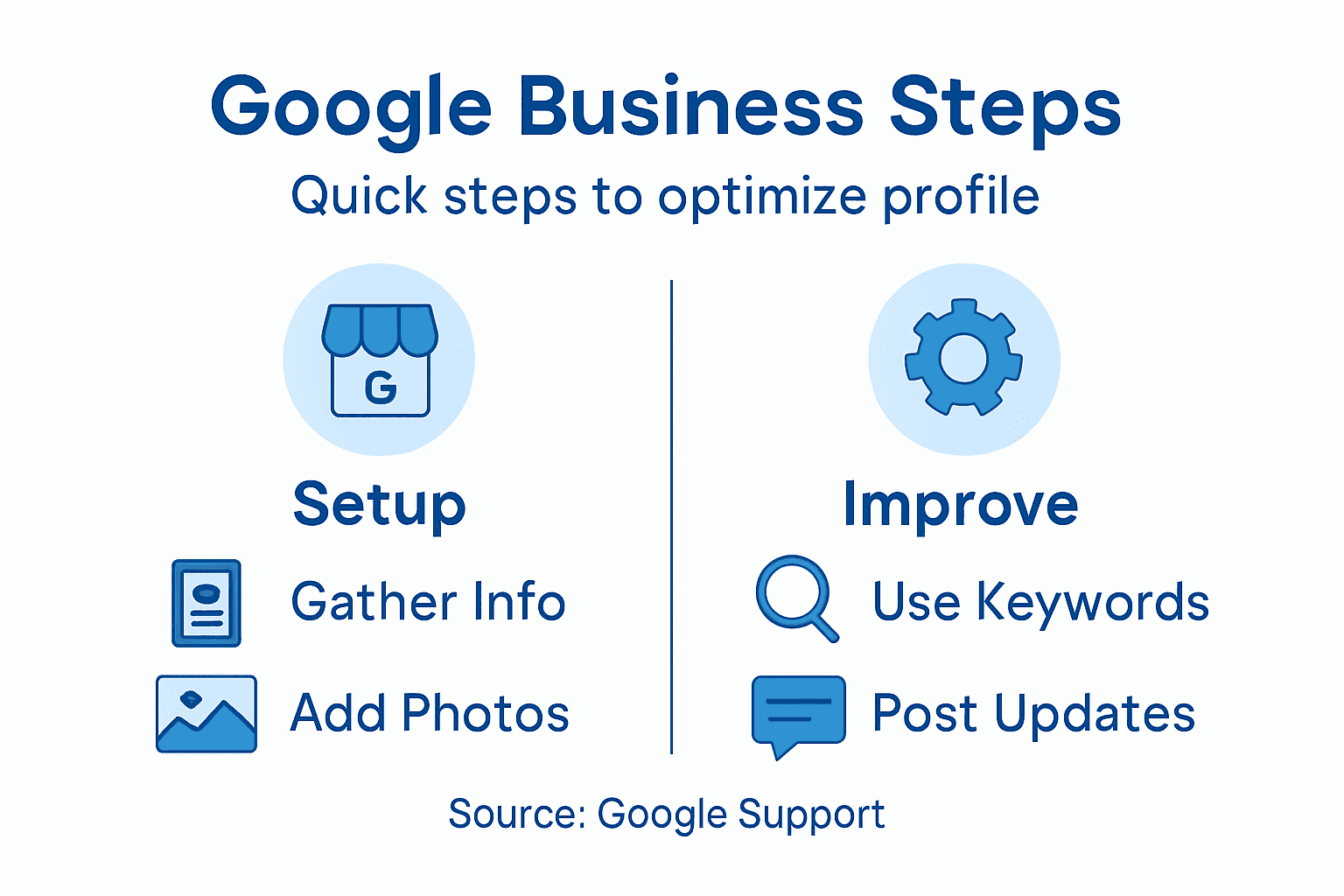
Track your key performance indicators to measure success. Monitor your review rating, response time to questions, and number of new reviews each month. Business performance measurement using objective metrics helps track progress and informs strategic adjustments that support continuous improvement.
Update your business information whenever anything changes. New hours, added services, different phone number, relocated address—all of these require immediate updates. Stale information frustrates customers and damages your credibility.
Consistent, accurate updates signal to Google that your business is active and reliable, improving your visibility in local search results.
Refresh your photos and posts seasonally. Remove outdated images and add new ones showcasing recent work or current promotions. This keeps your profile feeling alive and gives repeat visitors a reason to check back.
Analyze customer feedback patterns to guide improvements. Are customers asking the same question repeatedly? Add it to your FAQ section. Do reviews mention a specific pain point? Address it operationally and mention the improvement in a new post.
Test different posting schedules and content types to see what generates engagement. Some businesses see better results posting on weekends; others perform better during weekday lunch hours. Use your analytics to discover your audience's habits.
Here's your maintenance checklist:
- Review analytics every month
- Update business information immediately
- Refresh photos quarterly
- Post new content twice monthly
- Respond to reviews and questions daily
- Track and analyze performance trends
- Adjust strategy based on data insights
Pro tip: Set recurring calendar reminders for the first Monday of each month to review your analytics, identify top-performing content, and plan your next month's posts based on what actually resonates with your audience.
Elevate Your Google Business Profile with Expert AI-Driven Marketing
Struggling to stand out in local search results despite carefully following optimization steps? You are not alone. This guide highlights key challenges such as maintaining consistent business information, strategically using AI-powered keywords, engaging customers with authentic content, managing reviews effectively, and continuously updating your profile. These tasks demand time, precision, and a deep understanding of Google's evolving algorithms.
At Digital Marketing All, we specialize in transforming Google Business Profiles with advanced AI-driven strategies and local SEO techniques that help businesses like yours get found in AI recommendations and dominate search engine autosuggest features. Our comprehensive services include personalized keyword research, reputation management, content marketing, and conversion-focused web design to ensure your profile does more than just exist—it drives leads and builds trust.
Ready to maximize your local online visibility and turn your Google Business Profile into a powerful customer magnet? Visit Digital Marketing All today to discover how our proven AI-centric solutions can make your business the first choice in your community. Don’t wait for competitors to outrank you. Take action now and start dominating your local market with our expert help.
Explore our offerings for local market domination and comprehensive digital marketing solutions tailored to boost your Google Business success.
Frequently Asked Questions
What core details do I need to prepare for my Google Business Profile?
To optimize your Google Business Profile, gather your official business name, phone number, physical address, and website URL. Ensure that this contact information is consistent across all platforms to avoid confusing customers and search algorithms.
How can I identify effective keywords for my Google Business Profile?
Identify primary and long-tail keywords related to your business using AI-powered keyword research tools. Consider phrases that reflect the specific services you offer, and integrate these naturally into your business description and service categories.
What types of content should I post on my Google Business Profile?
Post regular updates about new services, promotions, or customer success stories at least twice a month. Include high-quality photos and videos to engage potential customers and give them a preview of your business's personality.
How can I encourage customer reviews on my Google Business Profile?
Actively request reviews from satisfied customers after completing a service or transaction. Send a follow-up message with a direct link to your Google Business profile, making it easy for them to share their feedback.
How often should I monitor my Google Business Profile's performance?
Check your Google Business analytics at least monthly to track profile views, search queries, and customer actions. Regularly update your business information and content to keep your profile relevant and engaging for potential customers.
What should I do if I receive negative reviews?
Respond to negative reviews promptly and professionally, addressing any concerns raised by the customer. Offer to make things right and show potential customers that you value feedback and are committed to improving your service.
Recommended
- How to Set Up a Google Business Profile: 2026 Step-by-Step Guide
- How Do I Set Up a Google Business Profile? Quick Steps Inside
- Step-by-Step Guide to Ranking #1 on Google Maps in 2025 | Local SEO Made Easy
- Master Google Business Profile: Local SEO & Customer Attraction
- 7 Essential SEO Best Practices for Home Service Success